User Management
Overview
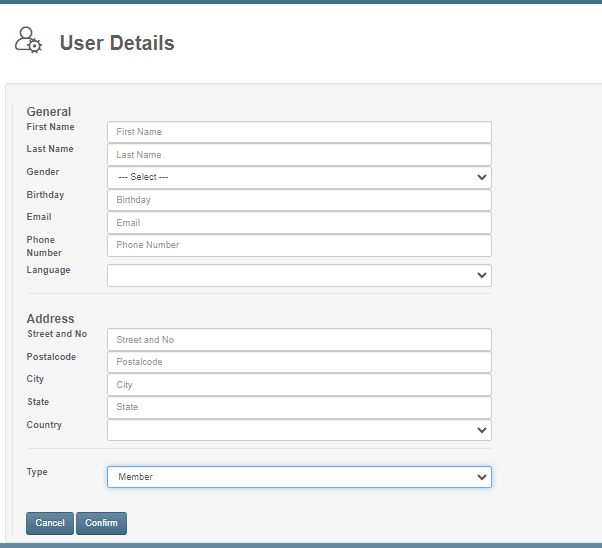
Box Planner's user management system enables owners to create and manage different user types with distinct permissions and features. The platform supports four user classifications: Drop-In, Member, Trainer, and Owner.
Core Capabilities
Owners can:
- Create users and assign role types
- Access a complete user directory with removal/deletion options
- Send targeted communications to all or specific users
- Review individual user profiles and modify settings
- Apply tags for organization and filtering
- Document notes for particular users
Member Type Settings
Members have configurable access to:
- Workout visibility
- Schedule and class registration capabilities
- Pre-checked status options
- Demotion to Drop-In status when necessary
Trainer Type Settings
Trainers can be configured with:
- Creation and cancellation permissions for schedules/classes
- Notification sending capabilities
- User unregistration authority
- Assigned color coding
- Defined employment date ranges
- Notes and descriptive details
Drop-In Type Settings
Drop-In members have limited configurations:
- Schedule and class registration permissions
- Optional notification disabling
Owner Type Settings
Owners have adjustable start and end dates for account access.